Create Fabric Nodes
This tutorial walks you through creating peer and orderer nodes for your Fabric network in ChainLaunch.
Prerequisites
- ChainLaunch running at
http://localhost:8100 - At least one organization created
Create Nodes via the UI
Single Node
- Go to Nodes in the left sidebar
- Click Fabric Node
- Select the organization from the dropdown
- Choose the node type: Peer or Orderer
- Configure network settings (listen address, external endpoint) or keep defaults
- Click Create Node
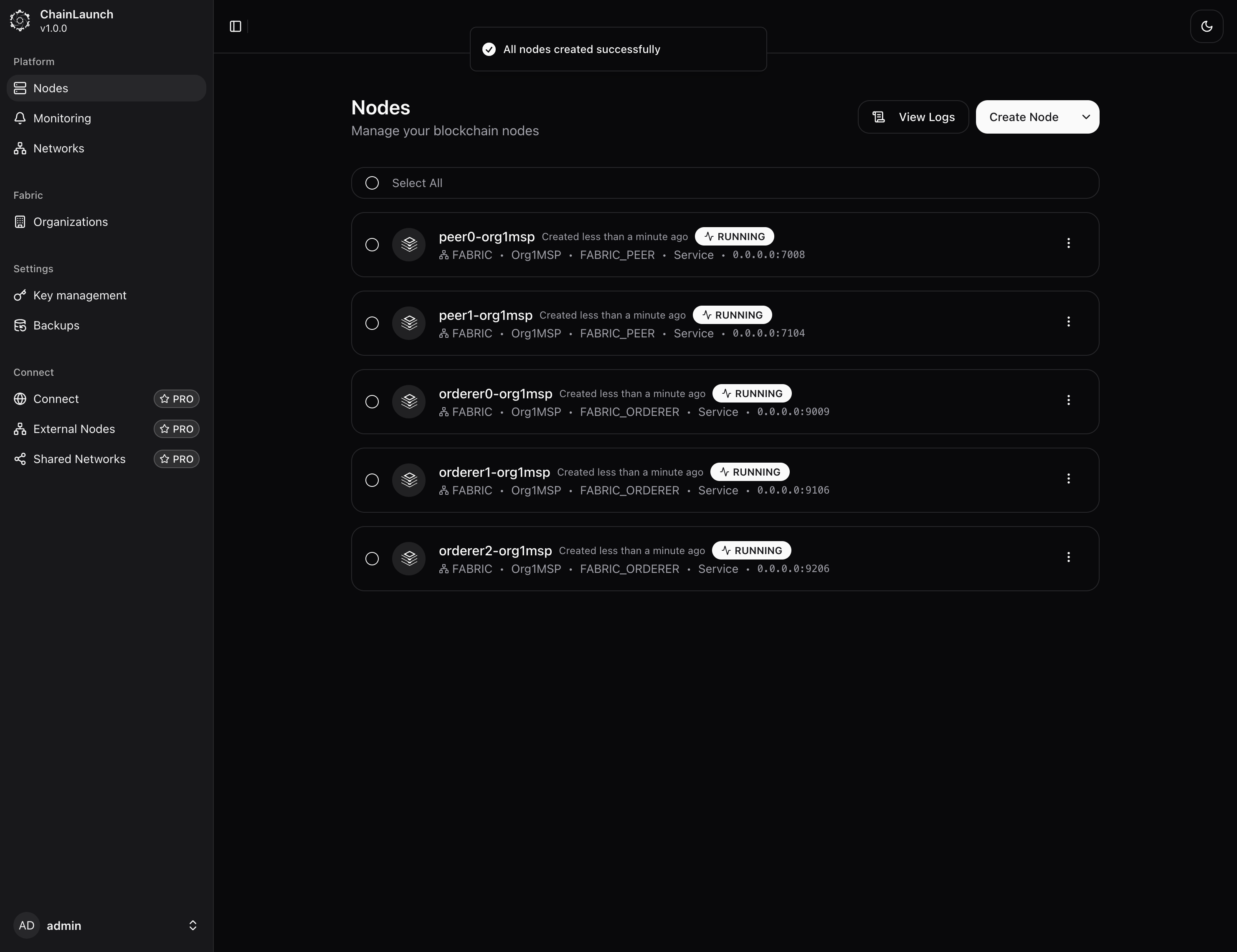
The node will start automatically and appear in the nodes list with status RUNNING.
Bulk Create (Multiple Nodes)
Use bulk create to set up multiple peers and orderers at once:
- Go to Nodes in the left sidebar
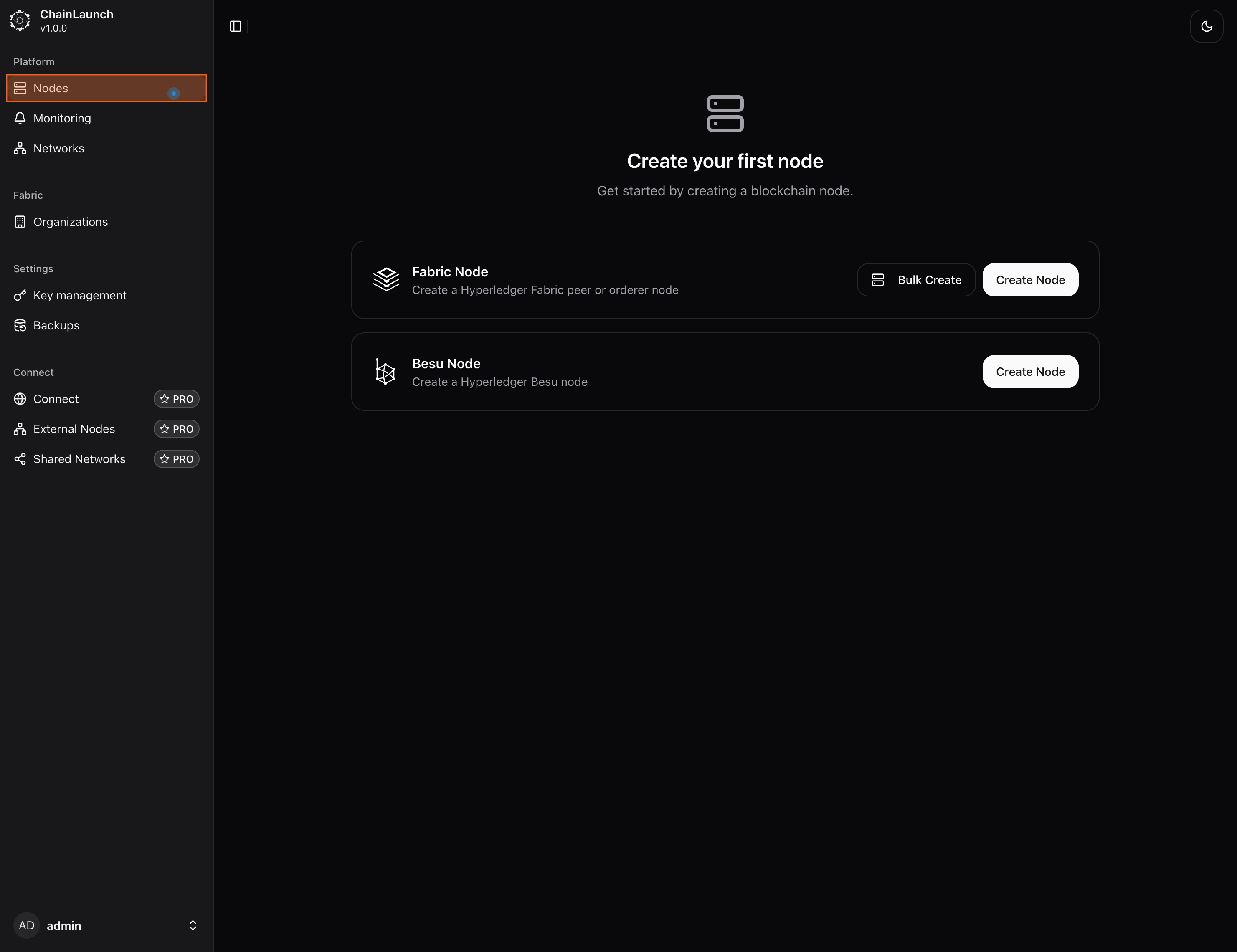
- Click Bulk Create next to Fabric Node
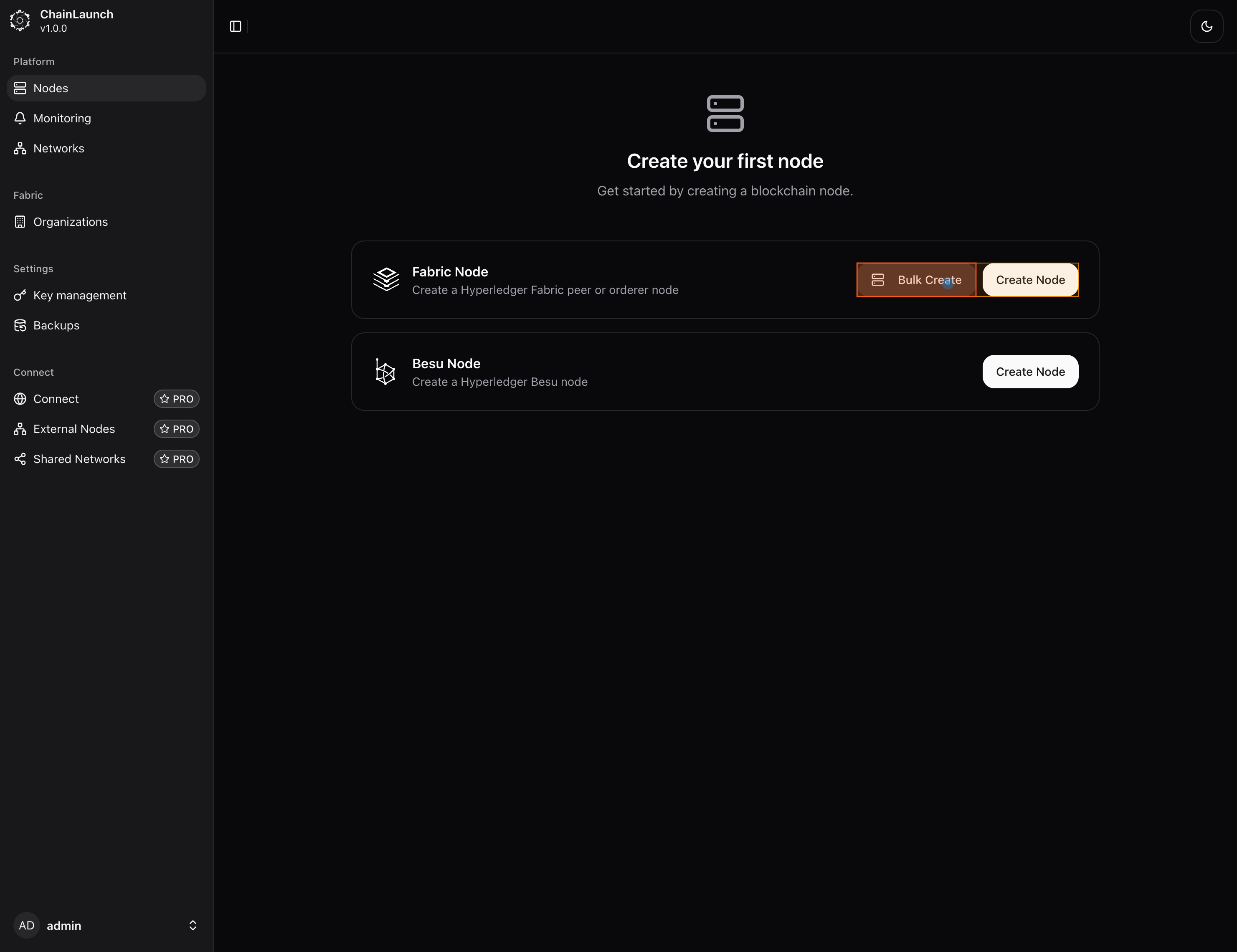
- Select the organization from the dropdown (e.g.,
Org1MSP)
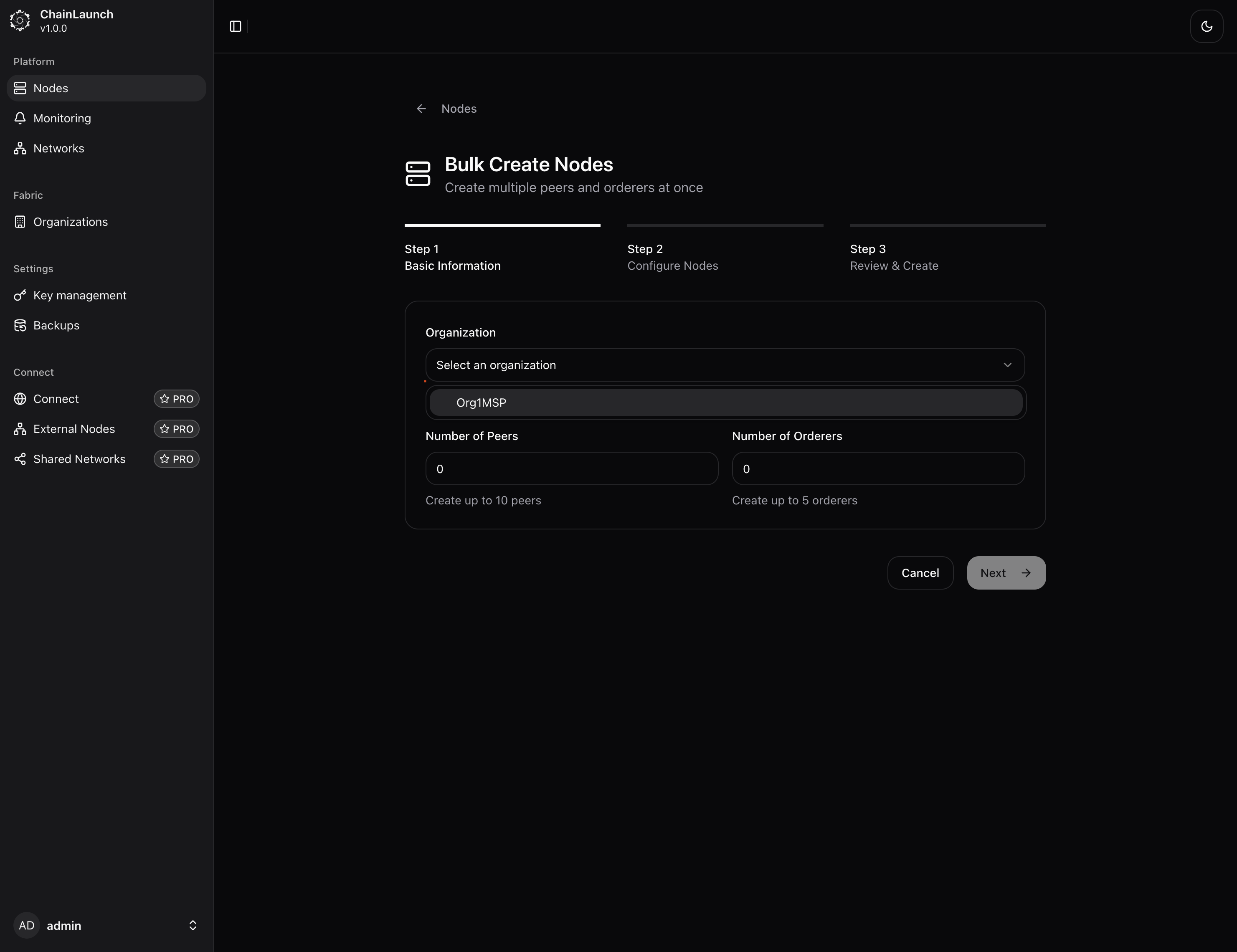
- Enter the Number of Peers (e.g.,
2)
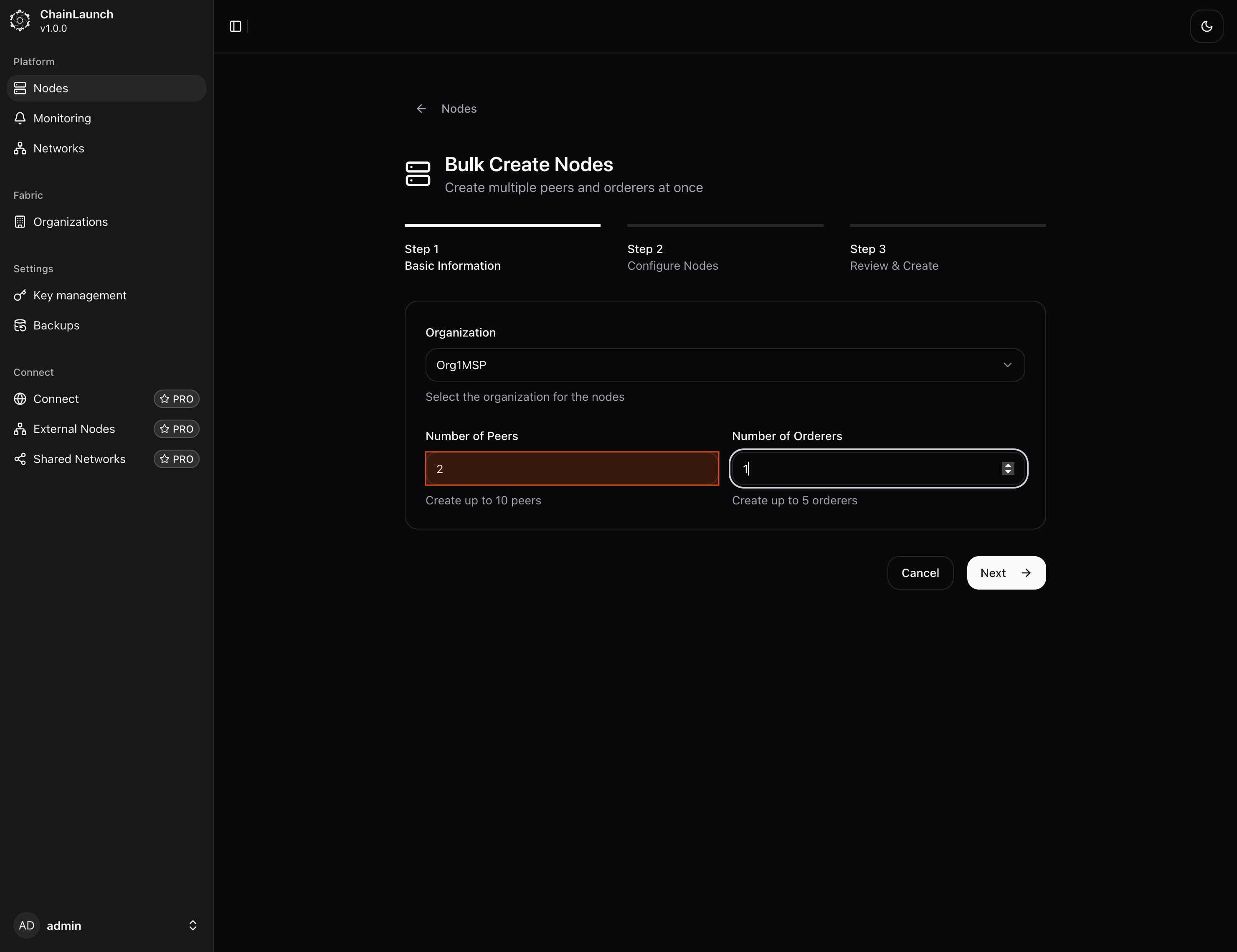
- Enter the Number of Orderers (e.g.,
3)
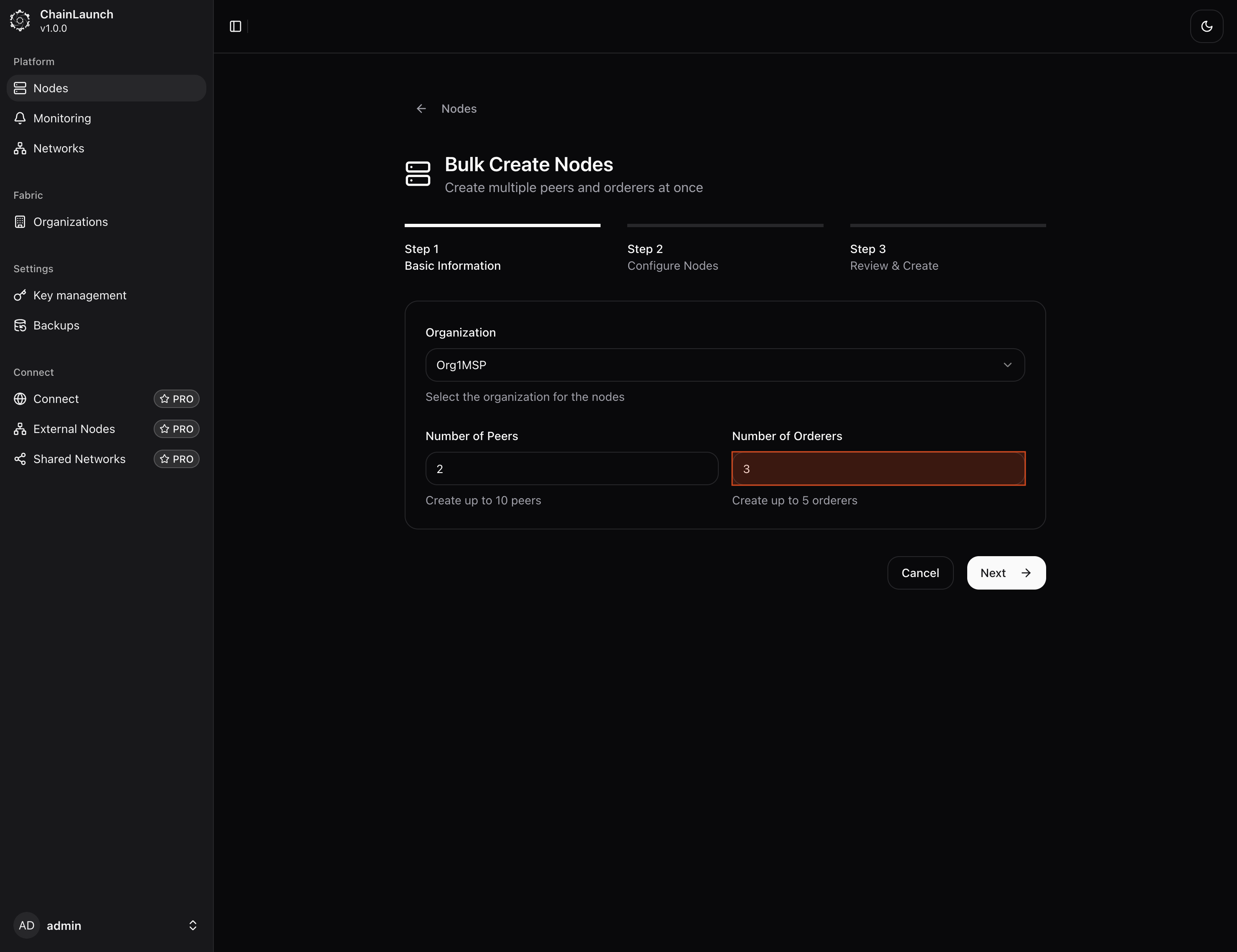
- Click Next to review network configuration
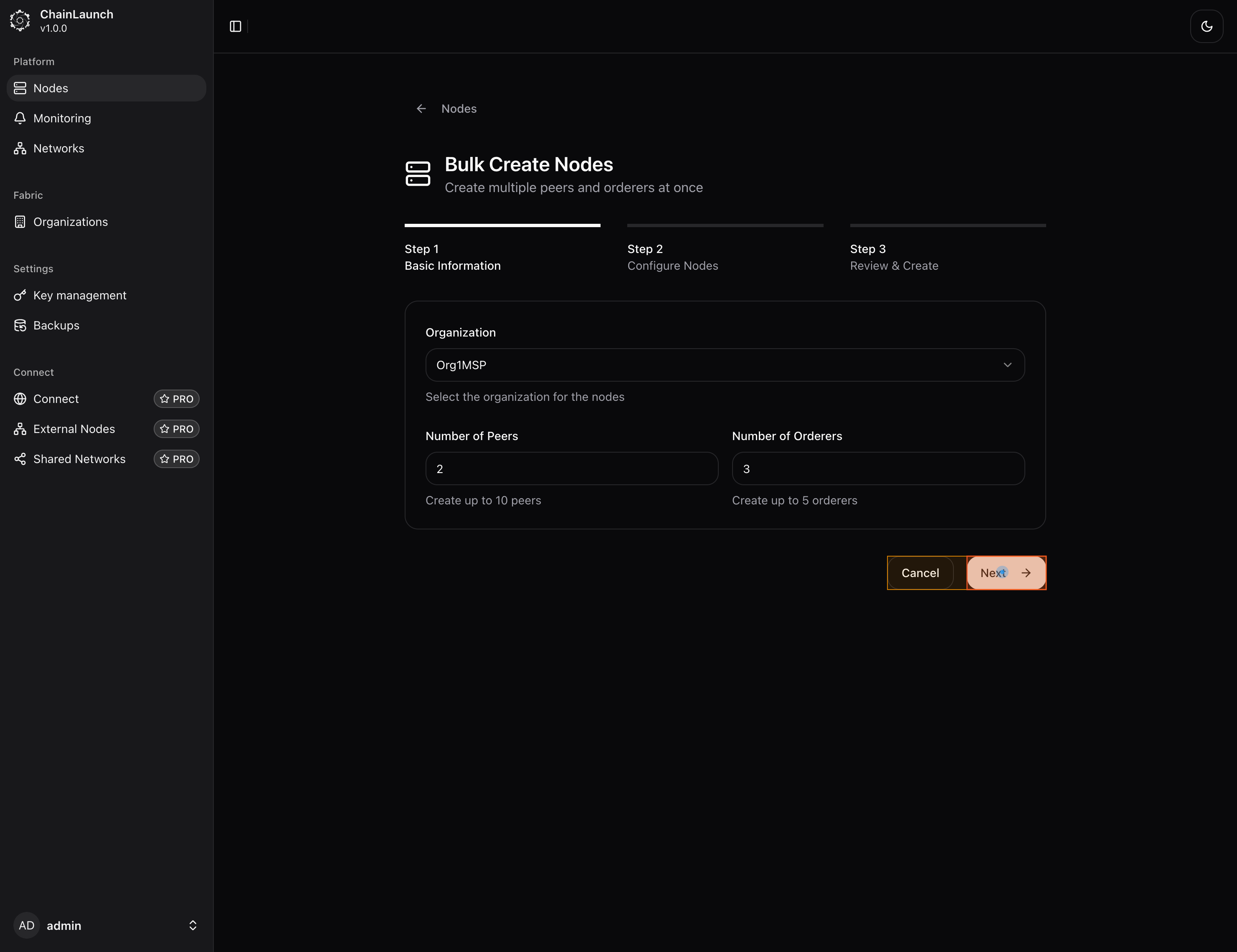
- Review the settings and click Next again
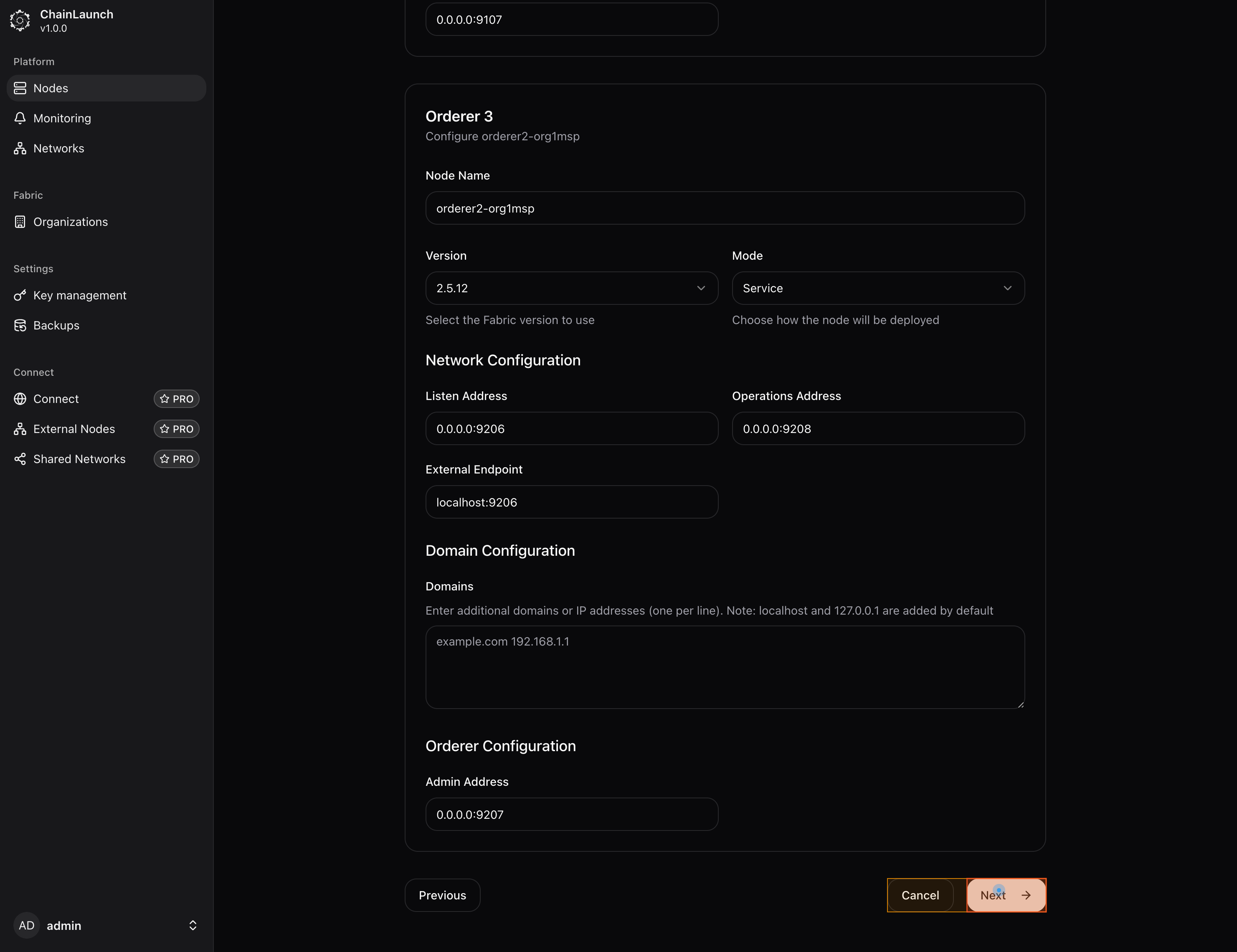
- Click Create Nodes to start provisioning
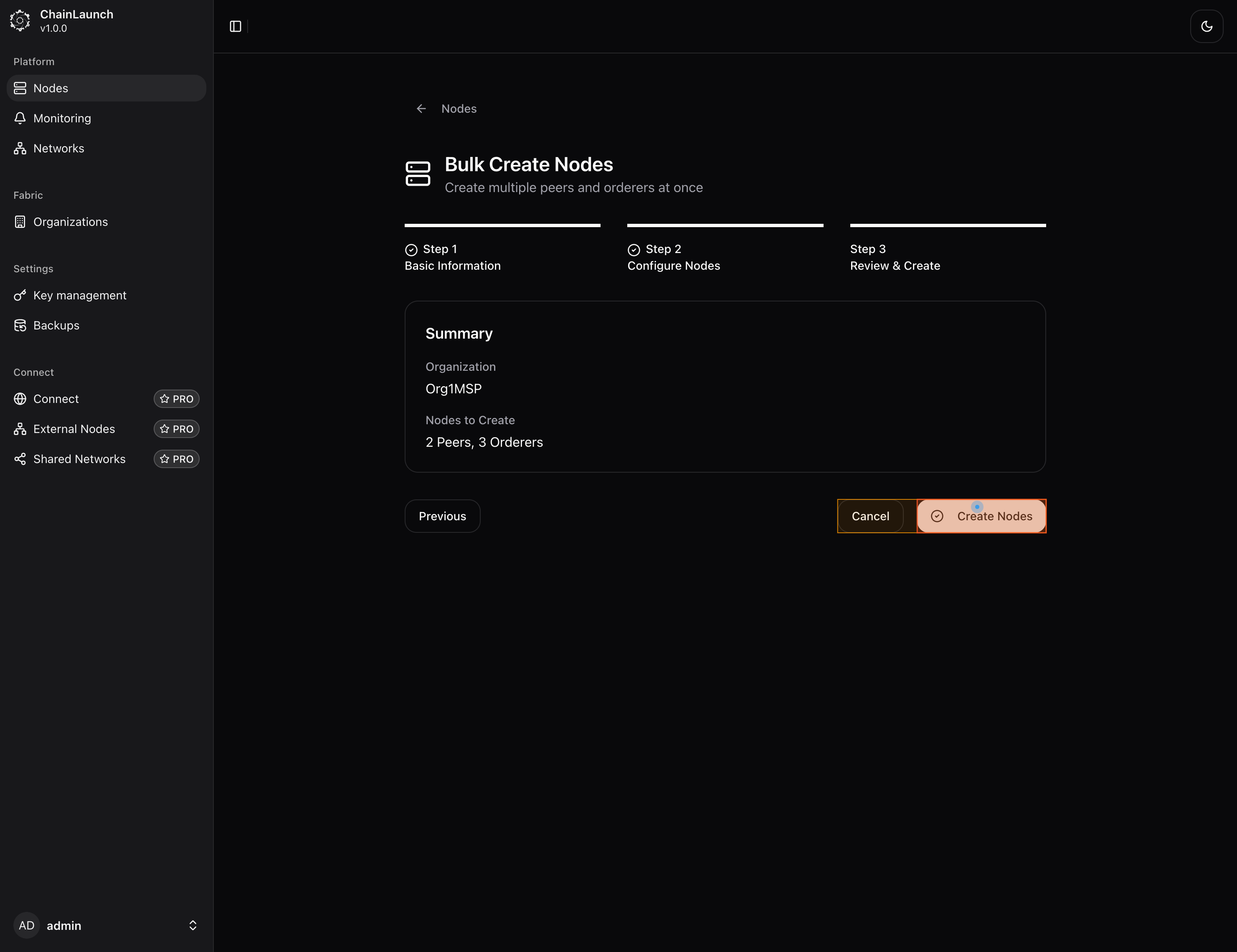
- All nodes are created and running
Create Nodes via CLI
# Create a single peer
chainlaunch node create --type peer --org Org1MSP

# Create a single orderer
chainlaunch node create --type orderer --org Org1MSP

# Bulk create: 2 peers + 3 orderers for Org1MSP
chainlaunch testnet fabric \
  --name my-network \
  --org "Org1MSP" \
  --peerOrgs "Org1MSP" \
  --ordererOrgs "Org1MSP" \
  --peerCounts "Org1MSP=2" \
  --ordererCounts "Org1MSP=3"
Create Nodes via API
# Create a peer node
curl -X POST http://localhost:8100/api/v1/nodes \
  -H "Content-Type: application/json" \
  -d '{
    "name": "peer0-org1",
    "platform": "FABRIC",
    "nodeType": "FABRIC_PEER",
    "organizationId": 1
  }'

# Create an orderer node
curl -X POST http://localhost:8100/api/v1/nodes \
  -H "Content-Type: application/json" \
  -d '{
    "name": "orderer0-org1",
    "platform": "FABRIC",
    "nodeType": "FABRIC_ORDERER",
    "organizationId": 1
  }'
Node Types
| Type | Purpose | Minimum per network |
|---|---|---|
| Peer | Endorses transactions, commits blocks, hosts chaincode | 1 per org |
| Orderer | Orders transactions into blocks, manages channels | 1 (3+ recommended for fault tolerance) |
| CA | Issues certificates for org identities | 1 per org (created automatically) |
Tips
- Orderer count: Use 3 or 5 orderers for crash fault tolerance (CFT). A single orderer works for development but has no fault tolerance.
- Peer count: Start with 1 peer per org for PoC. Add more for high availability or to separate endorsement from committing.
- Resource planning: Each peer needs ~512MB RAM and each orderer ~256MB RAM minimum.
Next Steps
- Create a Network to connect your nodes into channels
- Deploy Chaincode to run smart contracts on your peers
- Configure Monitoring to track node health